terraPen user guide
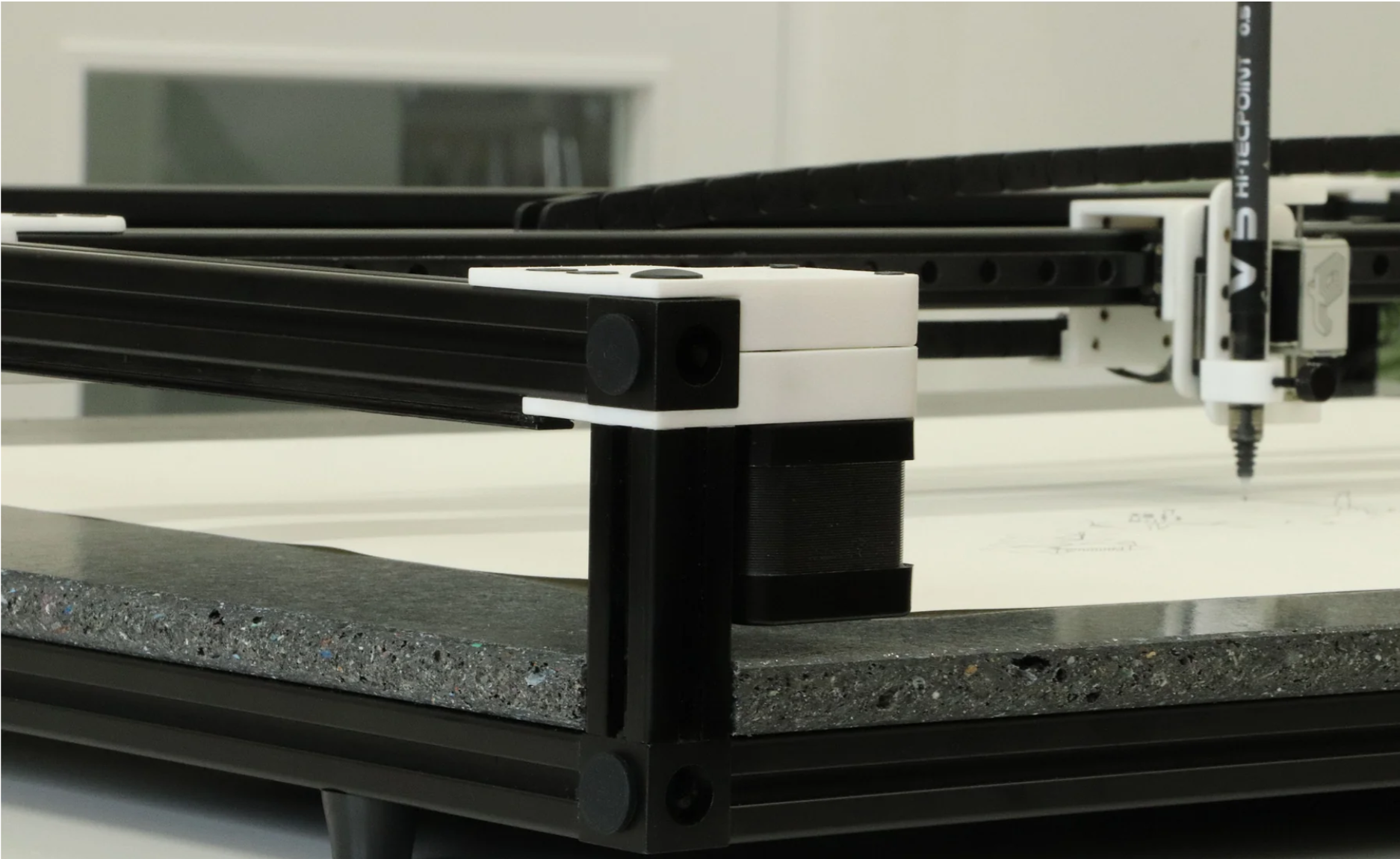
Welcome. The terraPen is an open-source pen plotter with a full A2 drawing area. This guide takes you from unboxing to your first finished drawing.
New here? Start at the top.
The pages in the sidebar are in order. If you have just taken your terraPen out of the box, work through Getting started and Your first plot in sequence.
The short version
- Fit the toolhead. It ships unattached — four screws and the supplied hex key.
- Power on. Plug it in, then switch on at the rear right.
- Connect. Join the
terraPenWi-Fi network, then move the plotter onto your own network. - Install terraForge, our desktop app for driving the machine.
- Home the machine, fit paper, and set your pen height.
- Plot.
Before your first plot
The terraPen is an open-frame machine with no travel limits — please read Safety once before you start.
What you will need
- A computer with Wi-Fi and a web browser
- A mains socket
- Paper, up to A2 (594 × 420 mm)
- A pen — one is included
Prefer a PDF?
The whole guide is available as a single document: download the terraPen guide (PDF).
The website is always the current version — the PDF is regenerated from it every time the site is published, so it cannot drift out of date.
Getting help
- Website — terrapen.xyz
- Discord — join the community for help, feedback and to share plots
- Something wrong? — Troubleshooting
- Need a hand? — Getting support
Which versions this guide describes
FluidNC 4.02 · terraForge 1.4.0-rc7
terraForge is under active development — always install the latest release candidate. If something here does not match what you see on screen, say so on Discord.