Plotting area and paper
How big can you go?
The terraPen plots a full A2 area — 594 × 420 mm. You can work anywhere within that, not just in the centre.
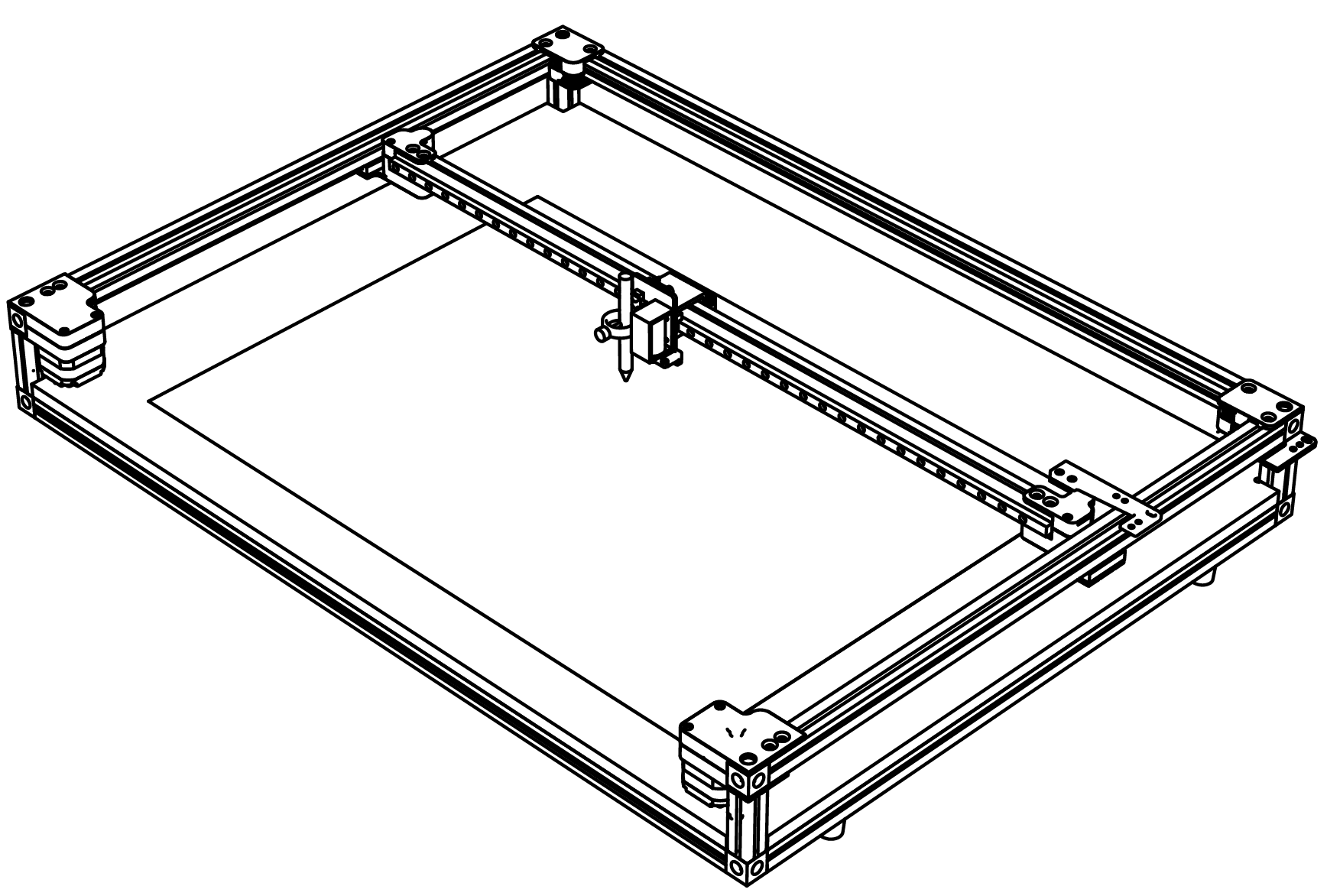
Oversized artwork is not rejected — it crashes the machine
Nothing checks whether a job fits before it runs. Send an A1 drawing to an A2 machine and the terraPen will start plotting it, drive into the end of its travel, and keep pushing.
There are no soft or hard limits to catch this — see there is nothing to stop you. Checking the artwork fits is your job, not the machine's.
terraForge is the best protection here: it shows your artwork on a representation of the bed, so anything hanging over the edge is visible before you send it. Make sure your machine profile is set to the real bed size of 594 × 420 mm, or the picture it shows you will be wrong.
Mounting your paper
- Place the paper square to the machine, with its edges parallel to the X axis.
- Hold it down with the supplied corner tabs, or with tape.
- Get it as flat as possible. Any lift or ripple shows up in the drawing, and badly warped paper can catch the pen.
If the paper buckles mid-plot
A page taking on a lot of ink will cockle and lift. It is tempting to reach in and tape it back down while the plot runs.
Do not re-tape a plot in progress
Re-fixing the paper part way through shifts it relative to the drawing already on it. The machine has no idea you moved anything and carries on from where it thinks it is, so the rest of the plot lands misaligned — usually worse than the buckle you were trying to fix.
Leave it be. The pen generally pushes a buckle back down as it passes over it.
The real fix is for next time: if a piece of work buckles enough to catch the pen, give it more Z lift on the next run — see why 5 mm, and when you need more. Wet media and dense hatching are the usual culprits.
Check your extents before you draw
Before plotting on good paper, jog the carriage — with the pen up — to each corner of your artwork's bounding box. This confirms the drawing fits on the stock and that nothing fouls the corner tabs.
terraForge shows your artwork positioned on a representation of the bed before you send it, which makes this much easier.